
Vizmaker — the best A.I. tool for architects?

Publisher
Tisková zpráva
30.10.2026 07:00
Tisková zpráva
30.10.2026 07:00
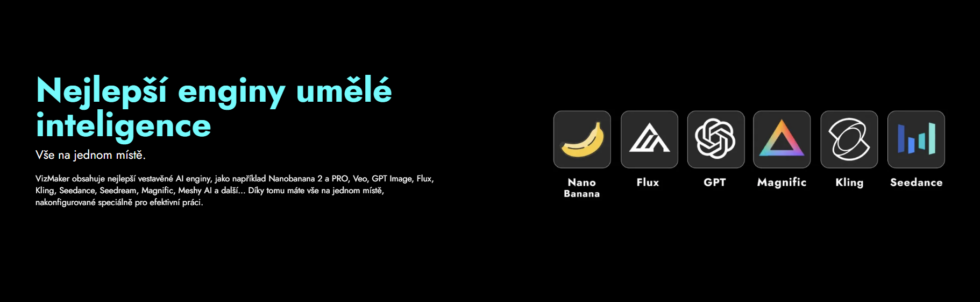
Introducing Vizmaker, which can be considered the best AI tool for graphics/design—or rather, it combines the best available AI models in an application tailored to architects and designers (and designed by architects themselves). This tool offers a wide range of features, including combining different elements, project history, and a credit system you can configure to suit your needs. You do not pay for anything you do not use, and you get a practical tool. It comes with presets created by architects and includes a special node-based system that preserves your history and lets you easily specify what you need visually. What can it do?
 |
Notable features include:
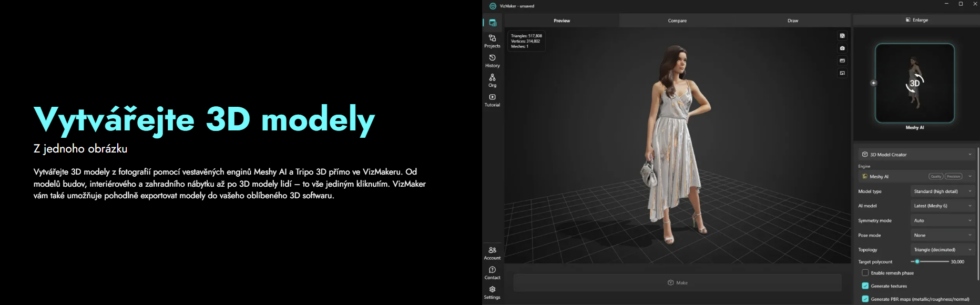
- Comprehensive tool: Vizmaker offers a wide range of features for graphics, videos, and creating 3D models from images.
- User-friendly: The tool has an intuitive node-based system for easily combining elements, with preset tasks for typical architectural assignments.
- Project history: Users can track and transfer project history between devices, share it, and move projects forward together.
- Credit system: Flexible credit purchasing options for individuals or teams, with subscriptions and credit allocation available.
- Trial version: Try the tool for free with a set number of credits.
- Presets for fast workflows: Users can use preset models and prompts to work efficiently.
- Editing and combining: Easily customize renders and make adjustments based on client requirements, notes, and markups, or blend different images together.
- Useful for architects: The tool is ideal for architectural designs and their initial presentations, as well as for adding final touches to renders and enhancing them.
- Client interaction: Users can easily add elements based on client requests and even send them copies of projects containing their intended outputs, and more.
- Versatility and options: Integration with CAD/BIM tools. Generate different render variations from a single source image, create videos using the best AI models, and create 3D models using Meshi AI and Tripo 3D AI models. It also includes specialized models such as Magnific.
You can easily get the trial version here: https://www.vizmaker.cz
 |
Why Vizmaker, and what is it suitable for?

 |
Video tutorial in Czech
The English translation is powered by AI tool. Switch to Czech to view the original text source.
0 comments
add comment