
News from the update of the visualization program Lumion 2026.1
Patterns or joint cuts, VR in the cloud, and other streamlining

Publisher
Tisková zpráva
24.07.2026 13:30
Tisková zpráva
24.07.2026 13:30
1) New Pattern Editor (a.k.a. Pattern Cuts)
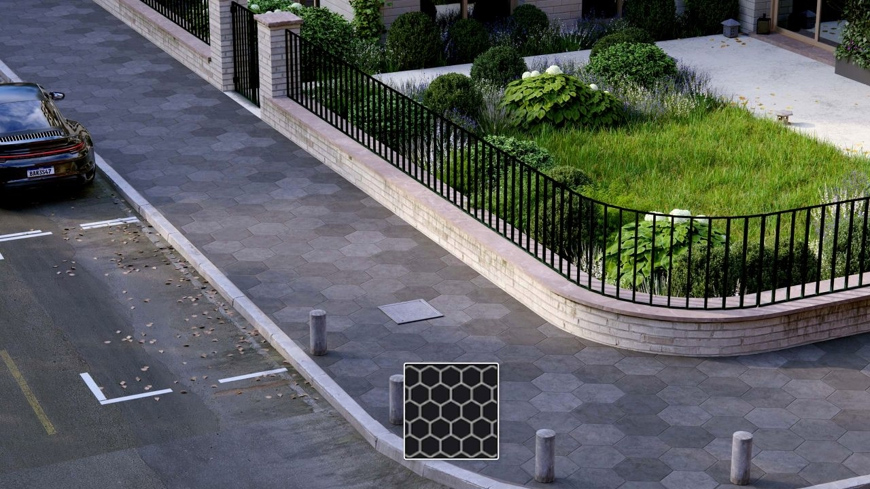 |
The new pattern editor can transform any material into tiles, flooring, or whatever has a pattern. Directly applied to materials in Lumion. If, for instance, a specific layout for a brick bond or wooden flooring is missing from the library, you can easily create it yourself. Need bathroom tiles to have precise dimensions and lack a texture? No problem. In the latest version of Lumion 2026.1, you can easily create such things and immediately see the physical dimensions – so it’s really precise, not just estimated.
Choose from various patterns, adjust the width of the vertical and horizontal arrangements, tweak color variations and texture placements, add edge beveling effects, etc. A more detailed guide can be found HERE.
2) VR Tour Directly from the Cloud
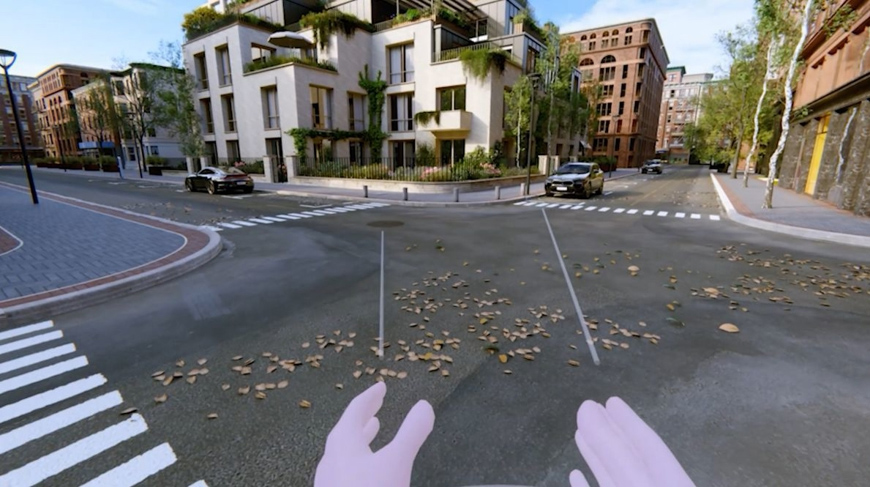 |
VR tours have been a big theme since 2016 (at least for Lumion users) and deal with the ratio of quality, performance, cost, and usability. Now, after ten years, things have significantly advanced due to new technologies. Rendering panoramas with ray tracing in the same quality as images? Just as fast? And they can be viewed in glasses directly from the Cloud? Who would have thought of that a few years ago, right? Panoramic renders uploaded to Lumion Cloud can now be viewed online using a VR headset. Rendering takes a few seconds/minutes, and you can create up to 300 of them – meaning a tour meter by meter. You don't need to connect anything to a powerful gaming machine; just turn on the glasses at the client’s location, and you’re good to go. Effective both from a work and presentation perspective. You can watch a short guide HERE.
3) Ray Tracing for Panoramas
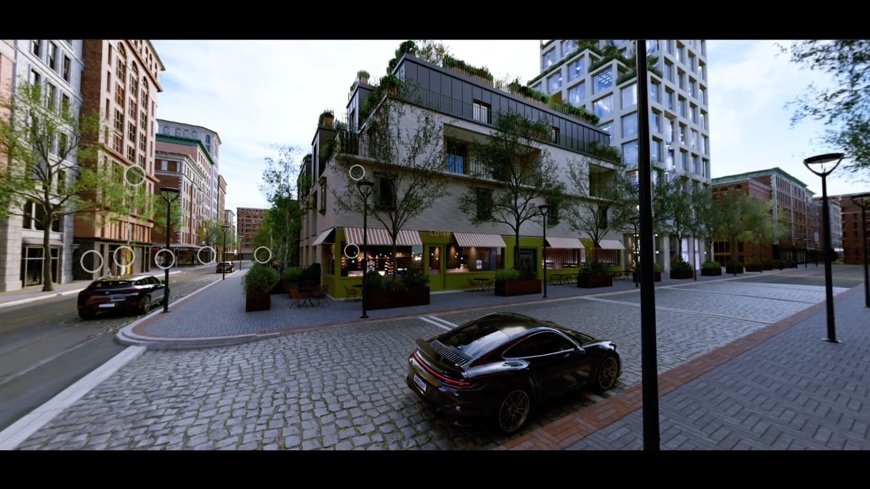 |
Rendering panoramas is now comparable in quality to final renders, just as fast. Compared to older versions, the quality and rendering time have significantly improved.
Creating a virtual tour, whether on a monitor/tablet/mobile or in glasses, is faster and much easier with higher quality.
4) Savable and Custom Templates, Effects, Parallax 3D Images, etc.
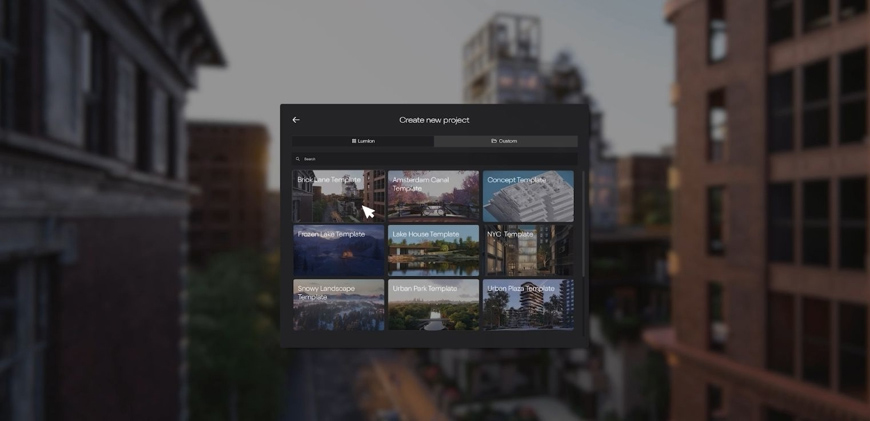 |
For a small update, there are quite a few new features, but it's still not everything. In Lumion, you can now save directly into the program interface:
- your own scene templates
- effect sets between effect templates
- you can insert your own parallax interiors/objects
For example, you can create templates from older files that you pass on to colleagues and thus keep a consistent style more easily. The goal is to allow all transferable and copyable items to be used easily and quickly again. There is still work to be done and improvements to be made, although a lot can already be saved and reused. As a result, with standard projects, you can set most things up in just a few minutes after importing a 3D model and get to rendering.
5) Better Plants and Savable Area Placement Sets.
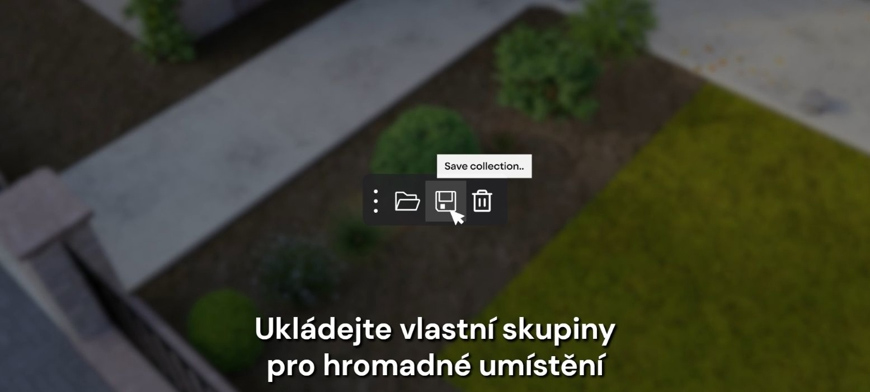 |
Project Phoenix is in full swing, and plants, objects, materials, etc. are being improved and added. You can filter them in the library using tags where you enter the version, e.g., L26.1. An important new feature is the ability to save custom plant assemblies for bulk placement on surfaces. You can then apply such a set to a surface with a specific texture or to a drawn shape, instantly placing thousands of plants at once in just a few seconds.
More information can be found:
Release Notes:
https://www.lumion.cz/lumion-2026-1-poznamky-k-vydani-verze/
Development Map:
https://www.lumion.cz/vyvoj/
Contacts:
https://www.lumion.cz/kontakt/
The English translation is powered by AI tool. Switch to Czech to view the original text source.
0 comments
add comment